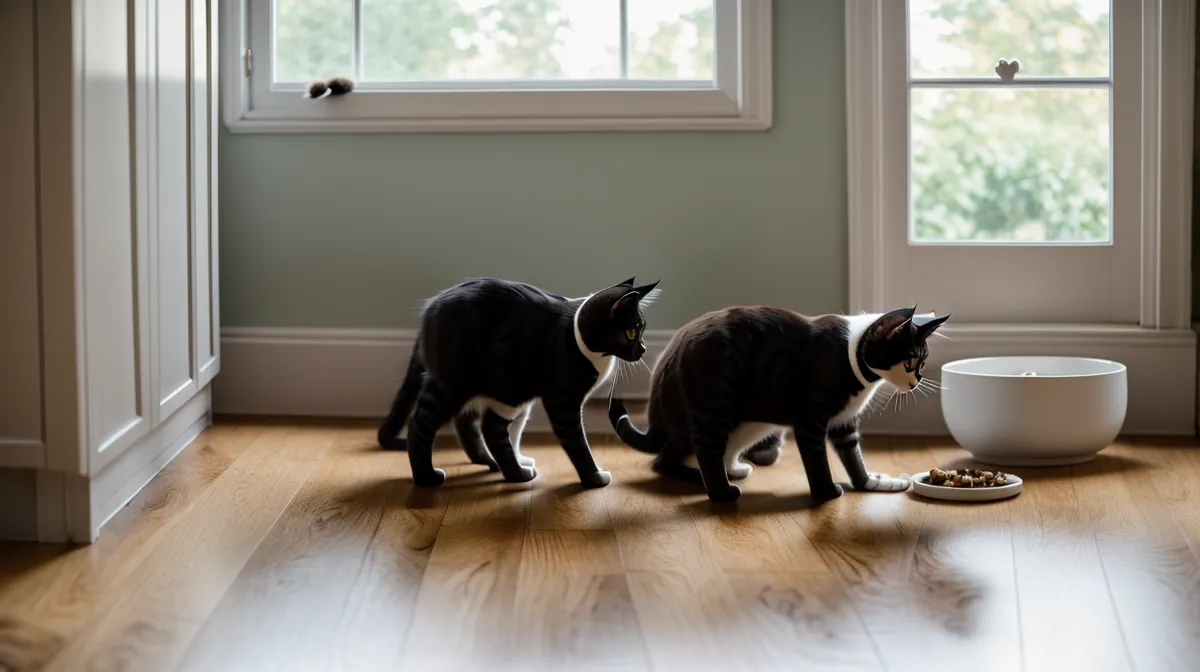
Four. That's how many separate things have to go right, every single evening, before an automated feeding setup in a dual-cat household actually lands dinner in two bowls on schedule. The hopper has to turn. The signal, Wi-Fi or local clock, has to fire on time. The batteries need juice left in them. And nothing mechanical can jam on the way down to the bowl. Miss any one of those and you get what happened the week a timed dial feeder's rotating drum wedged itself mid-turn and quietly skipped two meals in a row. Beans noticed before I did. She parked herself in front of the dead feeder and yelled at it like it owed her money, and that was the week I stopped treating my pet-tech setup like one clever gadget and started treating it like a small smart-home system with more than one way to fail.
Two Feeders Beat One in Any Dual-Cat Household
Here's the part most feeder reviews skip: a single dual-bowl unit is a compromise, not a fix, once there are two cats with different appetites in the room. Beans is a food thief, no two ways about it, and she will shoulder Hopper out of the way before the first portion even clears the chute if the kibble drops into one shared tray. So the two feeders live apart now, physically, on opposite sides of the kitchen, with enough footprint between them that neither cat can lean over and poach from the other's side mid-dispense. That separation does double duty. It stops the food fights, and it means a jammed hopper or a dead motor on one unit never takes down both dinners at once. I've written before about The RFID Shield Strategy: Solving Multi-Cat Feeding Friction in a Small Rental, which is the long version of how I finally stopped Beans from raiding Hopper's bowl by nose alone, no chip reader involved. Worth checking a feeder's tamper-proofing before buying, too, since some lids pop open the moment a pushy cat leans on them with any real weight. And cord management matters more here than anyone tells you up front, since two feeders means two power bricks and twice the tripping hazard for a cat who likes to sit exactly where the cable bends.
What Actually Breaks a Smart Feeder's Schedule?
Jams are almost always mechanical, not digital: a single wedged pellet can stop a rotating drum mid-turn and either stall the motor safely or keep grinding until something gives. Portioning accuracy drifts on top of that, since a hopper measuring by volume instead of weight dispenses a slightly different amount as humidity changes how densely the kibble packs. Wi-Fi drops are the next failure point, and most gear is still locked to the older 2.4GHz band, which matters if a router happens to be pushing a 5GHz-only guest network. But the real fix isn't a stronger signal, it's a feeder that keeps the schedule stored locally on the device instead of only in the cloud, so a dropped connection doesn't cost a meal. Power loss is the one people forget: a feeder without a battery-backed memory chip resets its internal clock the moment a storm knocks the power out, even with D-cell batteries keeping the motor turning, so check for both features separately rather than assuming one guarantees the other. A charging brick running warm all night, giving off a faint hot, almost metallic smell by morning, is usually the tell that something in the setup is drawing more power than it should.
Checking the Bowl Instead of Trusting the App
A push notification that says the feeding was successful only confirms the motor turned, not that anything landed where a cat could reach it. That gap showed up here the week the app logged a clean delivery while the camera feed, checked afterward out of habit, showed the bowl sitting untouched and empty since morning. Remote feeding verification only means something if there's a second data source confirming it, a camera angled on the actual bowl rather than the hopper, because a green checkmark and an empty dish can both be true at the same time. Cats are crepuscular, hungriest at dawn and dusk, and Hopper used to do a specific circling routine by the bowl at those hours that told me everything about his appetite before any app existed. No notification needed when the actual cat is parked on the keyboard, leaving fur across the trackpad, until somebody goes and checks the bowl. And a sudden drop in a cat's activity baseline, the kind a behavior-tracking mat or collar would flag, is often the earliest sign of trouble, easy to miss once a checkmark replaces the habit of actually looking.
Water and Wet Food Run on a Different Clock Than Dry Kibble
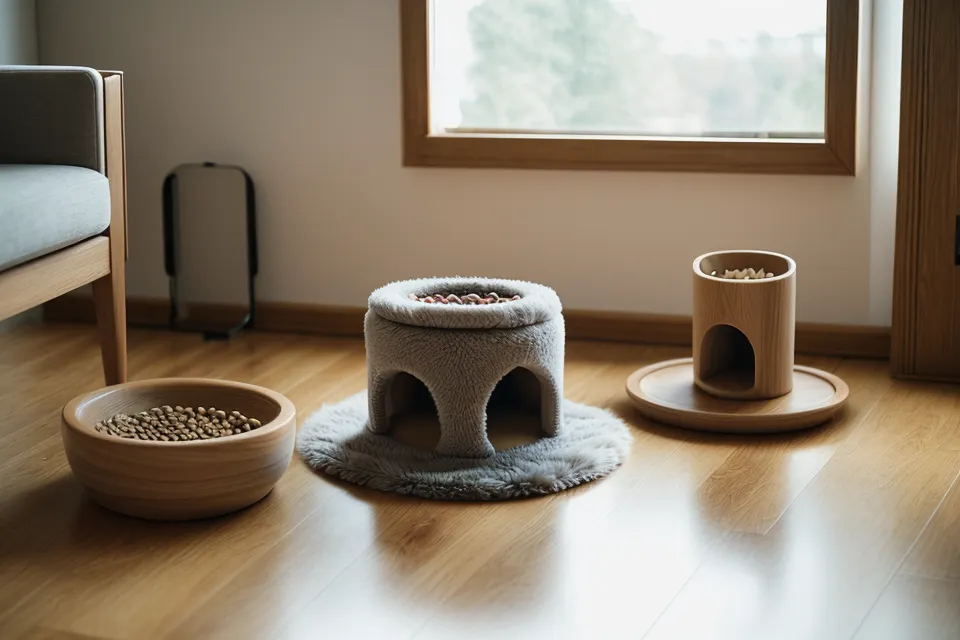
Redundancy for dry kibble doesn't automatically cover water or wet food, and that's where a lot of setups quietly fall apart. Fountain filters clog faster or slower depending on local water hardness, so the replacement schedule printed on the box is a starting guess rather than a guarantee, and it's worth checking actual flow instead of trusting a calendar reminder. Bowl material matters more than it looks like it should: stainless steel resists the biofilm that builds a slimy layer on plastic within days, which is one reason plastic bowls got phased out for both cats here. Wet food left in an automated dispenser runs on its own perishability clock entirely, and no amount of scheduling cleverness changes how fast it turns in a warm kitchen, so that job still needs a timed ice-pack tray rather than a dry-food hopper. The dry-food hopper has its own humidity problem, since a bag of kibble sitting over a fresh desiccant pack stays crisp far longer than one in a hopper where the pack's been forgotten and gone damp. For a cat that eats too fast and brings it back up, the fix isn't redundancy at all, it's slowing the eating speed down at the bowl itself, usually with a maze insert instead of more backup hardware.
Stress-Testing the Setup Before You Trust an Empty Apartment
Look, none of this is worth much until it's been tested against a real absence, not a hypothetical one. The honest way to stress-test a feeding station is to deliberately break pieces of it on a day when you're home to watch: cut the power at the breaker, pull the router, let the batteries run down on purpose, and see which meals still land and which ones silently don't. That's a different kind of review than a spec sheet gives you, closer to the late-night deadline test that first showed how much more reliability is worth than any app feature. A neighbor of mine fosters rescue dogs through the Denver Dumb Friends League, and watching her juggle different animals' routines through back-to-back foster placements is a good reminder that a feeding system has to survive disruption, not just a normal week, since a cat's schedule doesn't pause for a move, a guest, or a reshuffled apartment. Picked up spare D-cell batteries at a little hardware stall inside Stanley Marketplace in Aurora on one of those testing days, since the nearest big-box store was cleaned out and dead batteries mid-test would have wasted the whole afternoon.
Where Does Automation Still Need a Human Check?
Medical judgment doesn't get automated away. Coordinating a supplement schedule or a prescribed diet across two separate feeders is its own puzzle, one that deserves a full breakdown of its own rather than a paragraph tacked onto a redundancy guide, and it's not something to improvise from general feeder settings. What redundancy actually buys is more straightforward than it sounds: separate stations so one jam doesn't starve two cats, local scheduling so a dropped signal doesn't skip a meal, physical battery backup so a storm doesn't erase the clock, and an eyes-on check of the actual bowl so a green checkmark never stands in for a look inside the kitchen. Build those four pieces and the rest, the apps, the push alerts, the smart-home integrations, become nice extras instead of the whole plan. Beans still yells occasionally, but it's never again been about a dead feeder.