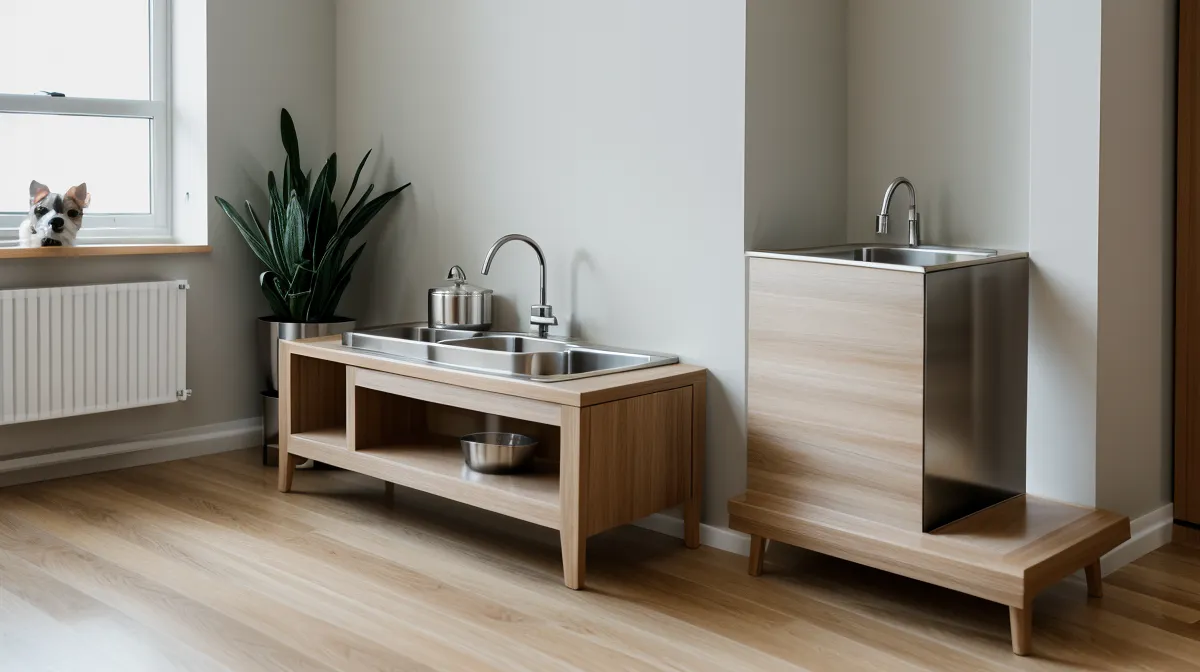
One outlet. That's what my rental kitchen gives me within reach of the counter once the coffee maker and the toaster have already claimed the strip, and it explains more about why automated feeders fail in small apartments than any pet-tech spec sheet does.
The first dial feeder I bought ran on a twist-timer, no app needed, which felt foolproof until the rotating drum wedged mid-turn and just stopped. I found the drum locked half-open mid-spin, kibble dusted across the floor in front of it, two meals gone missing while Hopper sat there like I'd personally wronged him.
Quick disclosure before the gear talk: some of the pet brands mentioned below pay a small commission if you click through and buy, at no extra cost to you. Everything gets bought with my own card first, tested in this kitchen for weeks, and only stays on the list if it survives Hopper and Beans.
One Outlet, Two Feeders: The Small Rental Kitchen Math
Small rental kitchens weren't built with pet tech in mind. You get a countertop that's exactly as deep as the builder decided, one or two outlets already claimed by a toaster or a coffee maker, and a landlord with zero interest in you drilling anything into the wall. That's the real constraint behind organizing a feeding station in a small apartment — not which brand looks nicest, but which setup survives the outlet you actually have.
A friend of mine fosters rescue dogs through the Denver Dumb Friends League, and she deals with a rougher version of the same math — crates and feeding gear rotating through a one-bedroom depending on who's staying that week. Watching her rebuild a setup around whichever dog needs space taught me a feeding station has to flex, not just fit. Feeding two cats with different appetites off the same counter is its own version of that problem, which is why I built out a microchip feeder setup for Hopper and Beans on separate diets instead of trying to referee two bowls by hand.
Why the Timed Dial Feeder Lost the Job
Mechanical feeders get pitched as the foolproof option — no Wi-Fi to drop, no app to crash. Mine proved that foolproof and reliable aren't the same thing. No warning light. No push alert. Just a drum that caught on a single piece of kibble at the wrong angle, locked solid, and never flagged itself the way an app-connected feeder would. It waited for me to notice, not the other way around.
But that's the actual case for paying more for something with sensors and a companion app. A jam that gets flagged the moment it happens is a quick fix. A jam that sits silent until you walk into the kitchen is a missed meal, sometimes two. I didn't fully believe that trade-off mattered until I lived it.
Counter Platform vs. Floor Nook: Choosing Your Layout
I ended up testing two different layouts side by side, and they pointed toward two different products. The first is a raised counter platform, gear kept up off the floor near the outlet, cord running along the wall instead of across open floor space. That's the setup I built around the Petkit: its battery backup means a tripped breaker doesn't cost a meal, and the app notifications land fast enough that a jam gets caught before it turns into a crisis instead of after.
The second layout is a floor-level nook tucked beside the cabinets, which is where a lot of renters end up because it hides the wiring better. That's where I ran the Petlibro fountain and feeder combo — roughly half the cost of the counter setup, with portioning that held just as accurate in my own testing. But the nook sits further from the router, and Wi-Fi has to cut through the refrigerator to reach it, which is exactly the kind of two-wall path that drops a connection. Water flicked from the fountain edge left a pale, chalky ring on the floor underneath within days, too — its own argument for keeping anything with standing water away from a spot you walk across barefoot.
Neither layout wins outright. One outlet within reach of the counter and a cat who likes to nudge things off a ledge, and the platform setup earns its keep. Floor space tighter than your cord reach and a lighter budget to work with, and the nook layout is the one that actually fits the room.
Wiring a Feeding Station Without Losing Your Deposit
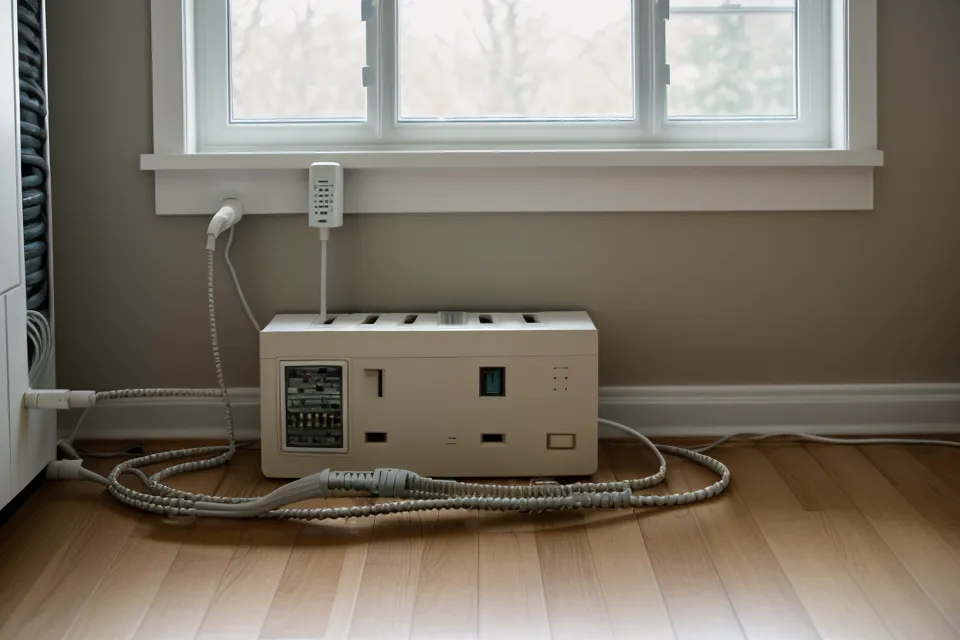
Cord management in a rental has one extra rule nobody mentions: whatever you do has to come off the wall without a trace when you move out. No adhesive that peels paint, no screws into the wall. Braided cord sleeves and removable clips do the job without leaving marks, and they're kinder to a cat's paw than the hard plastic raceways sold for offices.
Beans found the gap behind the sideboard before I finished running the cords through it, and she made it very clear that blocking her favorite hiding spot wasn't part of the deal — fur left on the sideboard edge and a long, unimpressed stare until I gave the space back. I reworked the whole run around her, which is a good reminder that a tidy cord plan means nothing if it fights your cat's actual habits. For the numbers on how different models handle power backup once the wiring is sorted, I keep an updated automatic pet feeder comparison that goes deeper than either brand's own spec sheet.
Once the wiring settled, the smaller stuff mattered more than expected. I keep a basic cleanup kit from Revival Animal Health in the cabinet under the station — filters and scrub supplies, nothing fancy — so a fountain refill doesn't turn into a scavenger hunt through a junk drawer. And because the kitchen floor stays cold most of the year, a FunnyFuzzy mat under the platform keeps both cats off the cold floor while they wait on their food.
What Actually Stayed in My Kitchen
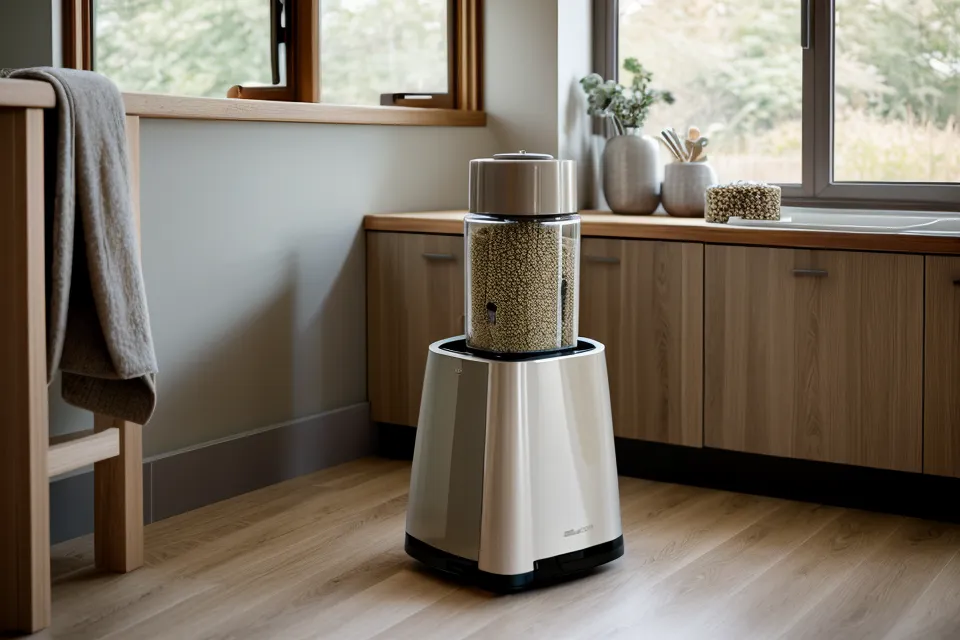
The dial feeder went in a donation box. Everything since has stayed because it earned its spot through actual jams, actual dead outlets, and actual cats voting with their paws. If you're starting from scratch in a small rental kitchen, don't build both layouts at once — pick the one that matches your worst constraint. One outlet and a cat that likes to knock things over means the counter platform and a Petkit-style hub. Tight floor space and a lighter budget means the nook layout with something like the Petlibro line, as long as your router isn't fighting a refrigerator for the signal.
Either way, those two missed meals never really left me. A feeding station isn't judged by how it looks organized on a quiet afternoon. It's judged by what it does the one time you're not standing there watching it.