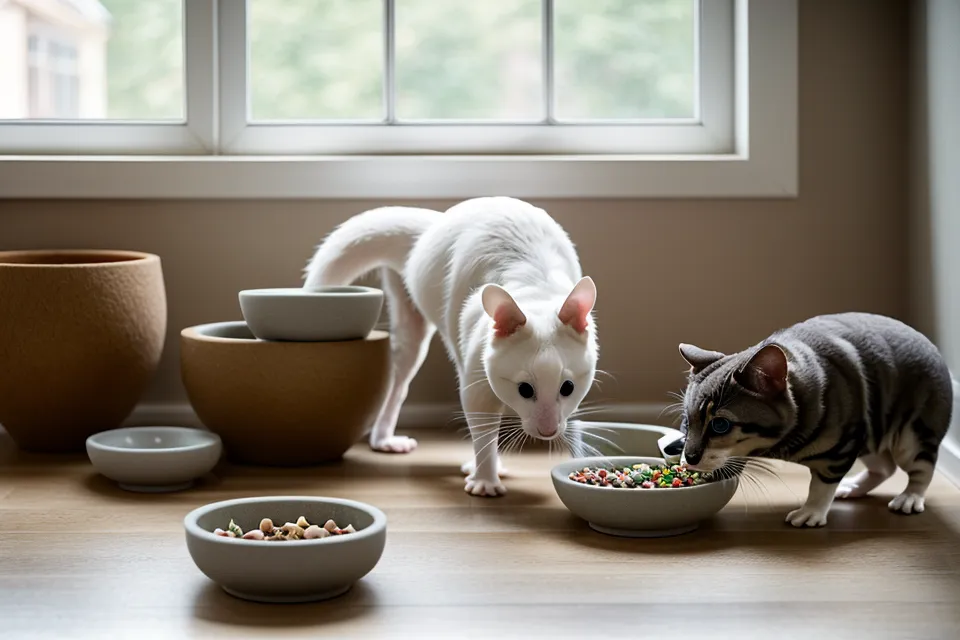
The USB-C port on my first feeder turned green in two months — not from anything a cat did, just from sitting close enough to the bathroom door to catch steam every time someone showered. Swollen casing, corroded pins, dead mid-cycle. Nobody puts that on the product page, and it's the reason this multi-cat feeding station setup looks the way it does now: two independent units, no single point that can take the whole system down.
Hopper and Beans don't care about warranty terms. They care whether the bowl has food in it at the hour they've decided is dinner, full stop. And a feeder that fails quietly does more damage than one that just quits outright; a dead motor you notice right away. A dead port, you don't, not until the bowl's been empty for a while.
Two Feeders, One Battery-Backup Rule
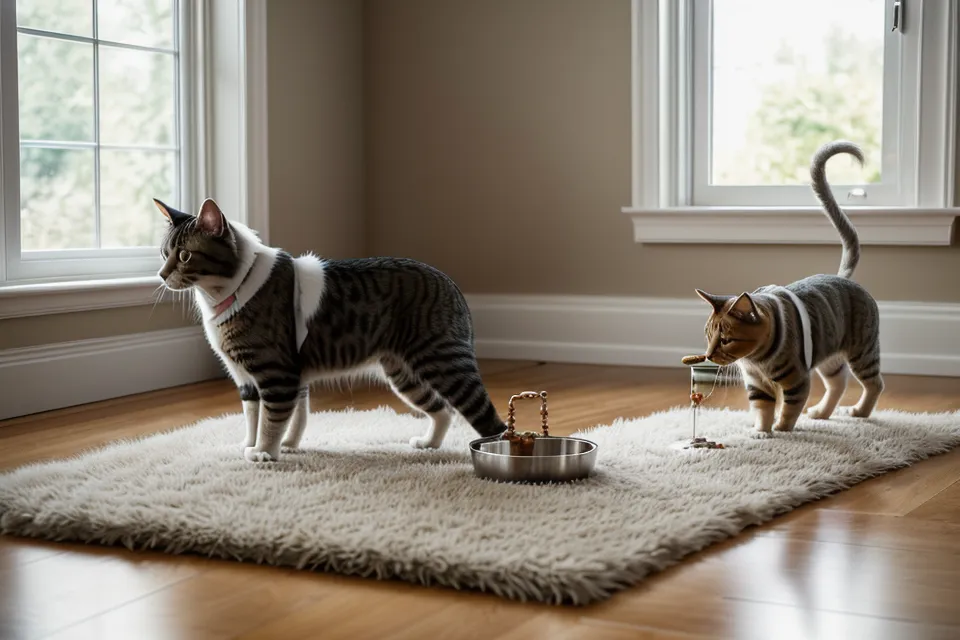
So the current setup runs two independent dispensers, each on its own dedicated Wi-Fi connection and its own D-cell battery tray. If one jams or loses power, the other still drops food on schedule, and nobody's staging a hunger strike over a router hiccup. Engineers have a word for this: redundancy. And once I started treating cat feeders the way I'd treat a client's server setup, most of the anxiety went away.
What actually matters more than the battery, though, is whether the feeding schedule lives on the hardware itself or only inside some app's cloud account. A dead router shouldn't turn your whole feeding system into an expensive paperweight. I got into the power side of that properly in why my smart feeder needs a 'dumb' battery backup, so I won't repeat the argument here — short version, alkaline D-cells outlast every rechargeable pack I've tried, and I stopped feeling guilty about that a while ago.
My friend Tomoko — we met years ago through a local design-and-tech meetup, and she still designs hardware for a living — can apparently identify a feeder's failure mode just from the sound it makes through a closed door. She walked into my kitchen once, listened for maybe four seconds, and said "that's your auger gear, not the motor." She was right. I don't have that ear yet, so I've had to rely on watching the bowl instead of trusting mine.
What Does "Feeding Successful" Actually Mean?
Because here's the thing about that little green checkmark: it tells you the motor turned, not that food landed anywhere near the bowl. During one long client call, my phone buzzed with a feeding-successful alert, and I felt fine about it right up until I pulled up the camera and watched Beans sniff a completely empty dish. The app was certain. But the bowl disagreed.
Checking the camera after every alert instead of trusting the notification is its own habit worth building, and honestly a big enough topic that it deserves its own write-up rather than a paragraph here. What actually causes a rotor to jam is a longer story too — picture a garbage disposal grinding on something it was never built to chew, and you've got the general idea. A shredded desiccant packet is the usual culprit, and how humidity creeps into the hopper and stales the kibble in the first place is a slower, separate maintenance problem I'm not getting into today.
I swap the desiccant packet once a month, same as changing a furnace filter. It's boring right up until you skip it twice and end up with a jammed rotor at exactly the wrong hour. That single-point failure, corroded port aside, has been my most consistent source of misfeeds all year.
Testing the Smart Feeder Setup at Confluence Park
Real test happened on a Saturday run down along Confluence Park, where the South Platte trail was thick with cyclists — a solid three miles from the apartment and well outside my home Wi-Fi's reach. Both feeders dropped off the app the second I left the building. That part's expected. What matters is whether the feeder cares that the app went dark, and mine didn't, because the schedule lives on the device, not on some server rack I'll never see.
By the time I looped back and reconnected, both apps had logged the meals as delivered, no gap in the record and no drama waiting for me at the door. I wrote about that particular kind of stubbornness — a feeder that keeps working even when the network can't be trusted — in surviving the late-night client crunch, which came out of a different outage but makes the same point: local memory beats cloud dependence every time.
A guy I trade notes with on a pet-tech forum, Parveen, runs the same kind of stress tests out in Phoenix and won't buy a single piece of gear off star ratings alone — he wants somebody else's failure log first. His water's harder than mine, hard enough that it chews through fountain filters at a pace that would drive me up a wall, so his maintenance calendar looks nothing like mine even when the hardware's identical.
Why Multi-Cat Feeding Needs More Than One Bowl
Getting the actual scoop size right, and keeping it consistent meal after meal, is its own rabbit hole — call it meal-portioning accuracy if you want the technical term — and I'll save that for another piece. Sorting out which cat is allowed near which feeder, especially once diets start to diverge, is a separate setup problem with its own microchip-recognition options I'm not unpacking today either.
Keeping a determined cat from just muscling a lid open by brute force is yet another battle, and none of the redundancy tricks above solve it. Wet food doesn't fit into any of this cleanly, either — leave a wet portion out in a warm kitchen for a few hours and you've got a science experiment, not a meal, which is exactly why this whole setup has stayed strictly dry-food only.
There's a behavioral wrinkle nobody puts on the box, too: automating meals can shift how a cat relates to you specifically. Cats are obligate carnivores, but they're social about food, and once a machine takes over delivery, some cats stop associating a person with dinner at all. Beans got noticeably clingier in other ways once the automation took over — hovering near the feeder instead of the kitchen doorway — so I still hand a treat over most days just to keep that connection from going fully mechanical.
Twelve Weeks In: What Actually Counts as Pet-Tech Reliability
Twelve weeks into running both units side by side, the misfeeds had dropped to close to zero. The pattern held up once I stopped overthinking it: every failure up to that point traced back to a single point — one port, one network, one battery, one schedule stored in exactly one place. Fix that pattern and most of the drama disappears with it.
Look — the actual upgrade here was never the app or the camera. Fur was already drifting across my laptop trackpad by the time I sat back down to work that Saturday, and somewhere in the kitchen a dispensing wheel clicked into its next notch, quiet and exact, nothing like the frantic scratching that started all of this. That's the part worth carrying forward: stop asking whether a feeder works, and start asking what happens the moment the thing it depends on — power, Wi-Fi, a working port — fails in the middle of the night.