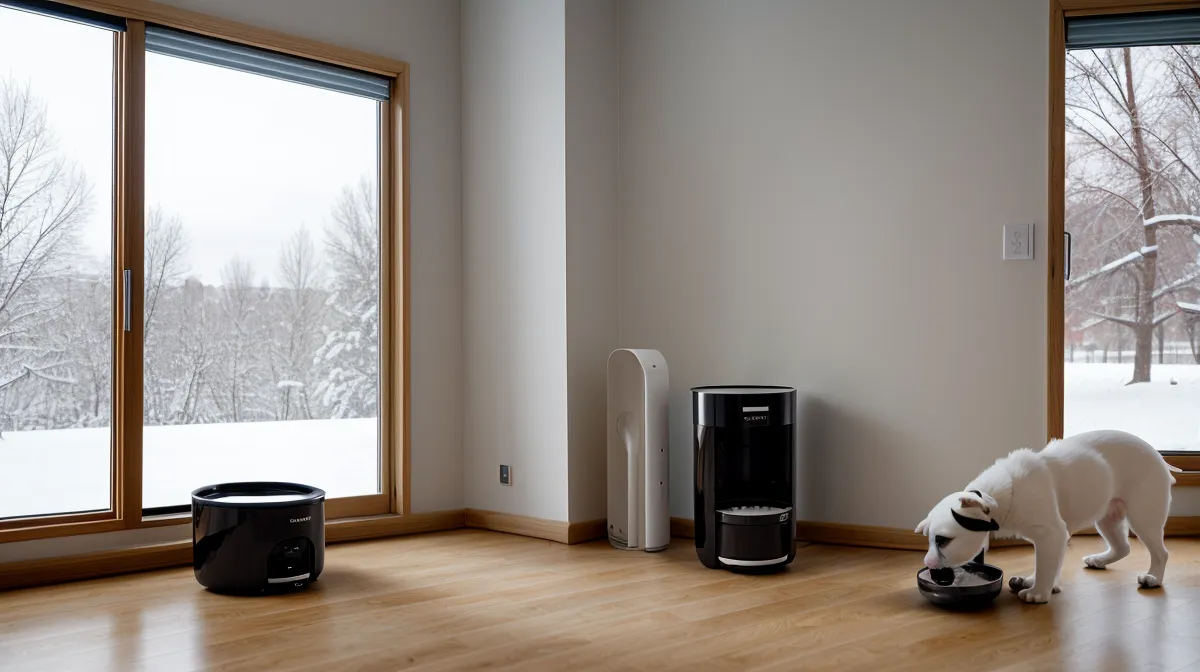
A feeder that drops food on schedule and a feeder that proves the food actually got eaten are two different machines, and mixing them up nearly cost my tabby a meal he should have gotten. Cat feeding tech has quietly split into these two categories, and most people buying their first pet tech gadget don't clock the difference until something goes wrong.
Mine went wrong on an ordinary evening. I came home to kibble scattered across the kitchen mat and the dispensing wheel frozen halfway through its turn, like a dishwasher door that won't latch shut. The budget unit before that one had its own failure mode — a companion app that lost the connection every single time our router rebooted, so half the time I had no idea whether dinner had actually happened until I walked in and looked.
Remote Monitoring Means More Than a Push Notification
Most feeders with a camera will ping your phone the instant the motor turns. That notification only confirms the mechanism fired, not that the food landed in the bowl instead of beside it, that the portion looked normal, or that the cat you're actually worried about got to eat instead of getting muscled out by the other one. Verifying a feeding, the way I mean it, means pulling up the live feed or the saved clip and watching the whole sequence: drop, approach, eating. Not glancing at a green checkmark and moving on.
And the timing matters more than people expect. Cats are crepuscular, so their real activity clusters around dawn and dusk — which happens to be exactly when I'm usually stuck somewhere I can't leave. Suki, a reader who sends me photos of her own feeder setup more than anyone else, once asked why her cats looked half-asleep on the midday clips and wide awake on the evening ones. Nothing wrong with the camera. That's just when cats are actually cats.

Camera Placement Nobody Tells You About
My neighbor Clint ended up field-testing the whole setup one weekend when I was traveling. He doesn't run any smart pet gear himself, so he had no real idea what a good camera angle even looked like until he tried checking on the cats through mine. First thing he texted me: he could only see the top of a cat's head from wherever I'd mounted it originally.
That's the mistake almost everyone makes. Point the lens at the bowl only, tucked into some narrow corner, and you'll get a great view of a chin and nothing else. You want the bowl, the floor around it, and the approach path all in frame, or you'll spend more time guessing than watching. I stage every new unit on the kitchen counter first, running a few dry jam tests before it ever touches the floor, and the camera angle gets checked at that same stage, not after the thing's already screwed to a wall. Getting this part right is one of those cat feeding tips nobody bothers writing down because it sounds too obvious to mention.
The Moment a Feeding Actually Fails
Feedings fail in ways a plain schedule will never catch. A portion drops crooked and half of it bounces off the rim onto the floor. A cat with a sensitive stomach sniffs at it and walks away without eating a bite. Or the mechanism jams outright — why a drum seizes in the first place is its own can of worms I won't get into here — and you'll know it happened because the app just goes quiet mid-cycle instead of confirming the drop.
What Does the Bowl-Guarding Say About Your Cats?
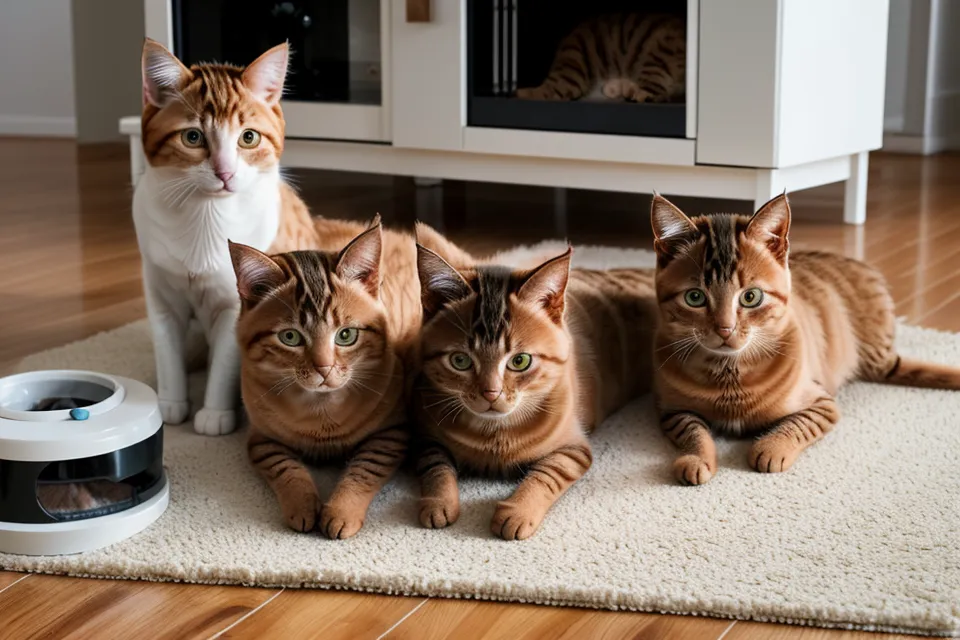
Beans taught me this one. The feed dropped right on schedule, Hopper trotted over the way he always does, and Beans arrived a few seconds later and just stood there, two feet back, staring him down until he gave up and walked off without eating a single piece. She never touched the bowl herself. She just wanted him to know he couldn't have it.
Without a live view, that reads as an ordinary, quiet dinner — bowl goes down, bowl empties eventually, nobody complains. With one, it's obviously a standoff. That's the real argument for a camera over a plain timer: it turns "did they eat" into "did everyone actually get a fair shot at eating," which is a very different question once you've got two cats who don't share airspace well.
I ended up rethinking the whole layout after that, which is its own project — Setting Up an Automatic Feeder for Two Cats With a Divider covers what actually changed. Getting two cats onto genuinely separate schedules, especially if they're not even eating the same diet, is a different problem than what I'm covering here, and it deserves its own attention rather than a side note.
Is the Two-Way Talk Feature Worth Using?
Most camera feeders throw in two-way audio like it's an obvious bonus. Look, I used it exactly once. Hopper was up on the counter sniffing at a loaf of bread I'd left out, and I said his name through the app speaker. He didn't just get down. He spent the next several minutes staring at the feeder like it had personally betrayed him.
But that's the actual cost of the feature. Cats build their sense of a safe house on things staying predictable, and a disembodied voice coming out of a plastic box breaks that logic fast. The microphone stays off now. I watch, confirm the food's where it should be, and save the talking for when I'm actually in the room.
When the Power or WiFi Drops Out, Here's What Happens
My apartment runs on a single router with no second band to fall back on, so every feeder, camera, or fountain hub that comes through here gets tested on 2.4 GHz only. If a unit is dual-band, I turn the 5 GHz radio off for testing, because that's the connection most people are actually running at home anyway.
Losing that connection doesn't automatically mean losing the feeding, since most units still fire on their internal clock even offline — a separate question from how gracefully any given feeder handles a shaky signal, which is its own stress test and not this one. Whether a battery backup actually holds through a multi-hour outage is a different test again, with a different answer for every model, and not one I'm settling here.
What you do lose is the camera. No WiFi, no live view, no saved clip: you're back to blind faith until the connection comes back, and how fast a given unit reconnects after an outage is worth checking before you trust it for an overnight. And once a cat figures out there's a camera watching, some of them treat it as a challenge instead of a deterrent — How to Stop Your Cat From Breaking Into an Automatic Cat Feeder is the place to go if yours has started hunting for the blind spot.
The Short Version
A camera turns a feeder from a machine you hope worked into one you can actually check. That's the entire value, stripped of whatever language is printed on the box.
It won't tell you how long wet food stays safe sitting out once it's dispensed, or how mineral buildup in hard water eats through a fountain filter faster than the manual admits, or how humidity creeps into a food reservoir and turns kibble stale before the bag says it should. Those are each their own rabbit holes. Nailing the right portion size for a long workday is a separate project too, worth its own read rather than a paragraph here.
If you only trust one thing on the feed, trust the visual. An empty bowl in the app, actually confirmed by eye, is proof. A checkmark from a motor sensor is just a guess wearing a uniform. Hopper still beats Beans to the bowl every single time. I just don't have to wonder anymore whether he actually made it there.