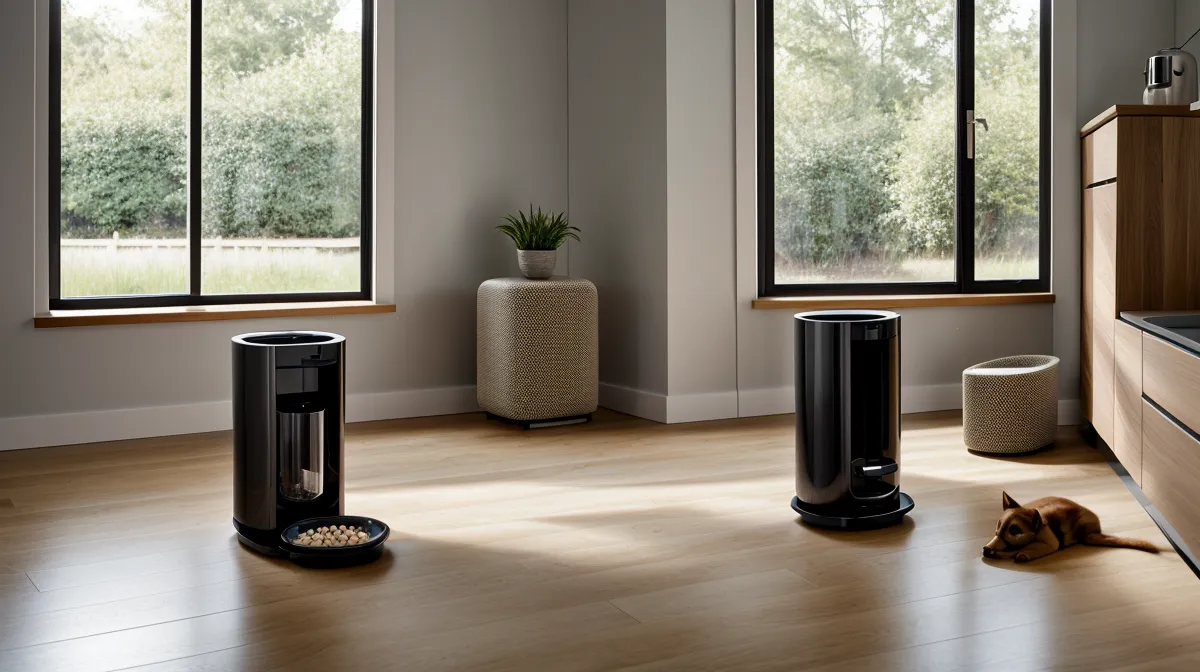
What's your automatic feeder actually going to do the moment your apartment's internet quits and stays quit, not a five-minute blip, an actual dead connection? That question sat in the back of my head longer than I'd like to admit, because most smart feeder tips online stop at "buy a good one" and never get to redundancy planning, which is the part that actually matters once the WiFi bar goes gray and stays gray.
A push alert is what finally moved this from a nagging thought to an actual project: battery at three percent, next scheduled meal still two hours out, and me a good forty minutes from Lakewood with a meeting that wasn't ending early. Half of cat tech maintenance, it turns out, is running that failure on purpose before the internet runs it on you. My first attempt at solving it was a budget feeder whose companion app dropped connection every single time our building's router rebooted, reliable in the sense that I could set my watch by its failures.
Defining Offline-Dispensing Autonomy
Offline-dispensing autonomy is a mouthful, but the idea behind it is simple: a feeder that finishes its whole job — knowing the time, turning the motor, dropping the right portion — without phoning a server first. Most feeders marketed as smart aren't built this way. They're built to check in for nearly every decision, so the moment that connection to a cloud service goes dark, so does the decision-making. Real autonomy means the schedule lives on the device itself, stored locally, and the mechanical drop doesn't need a live handshake with anything outside your kitchen.
Here's the test I run before trusting any feeder with an overnight absence or a stretch of back-to-back calls: unplug the router mid-cycle and watch whether the next scheduled meal still drops. If it doesn't, you don't own an offline feeder. You own a WiFi accessory that occasionally remembers to dispense food.
Redundancy Planning, Not Just a Backup Battery
Backup batteries get marketed like a cure-all, and they're not. A dead compartment is just one failure mode among several, and a feeder that has to fight for bandwidth on a crowded WiFi channel can strand you just as easily. Giving pet gear its own 2.4 GHz guest network, separate from whatever my laptop is hogging mid-sprint, cuts out one whole category of failure before it starts.
But the layer that actually lets me stop checking my phone is mechanical, not digital. A plain gravity feeder, sitting next to the smart one with zero app and zero notifications, is the fail-safe that doesn't care whether the cloud is up. I write more about balancing that kind of low-tech backup against the automated side of things in Surviving the Late-Night Client Crunch, and the short version is that the dumbest device in the kitchen is usually the one holding the whole system up.
Inside the Kitchen Command Center
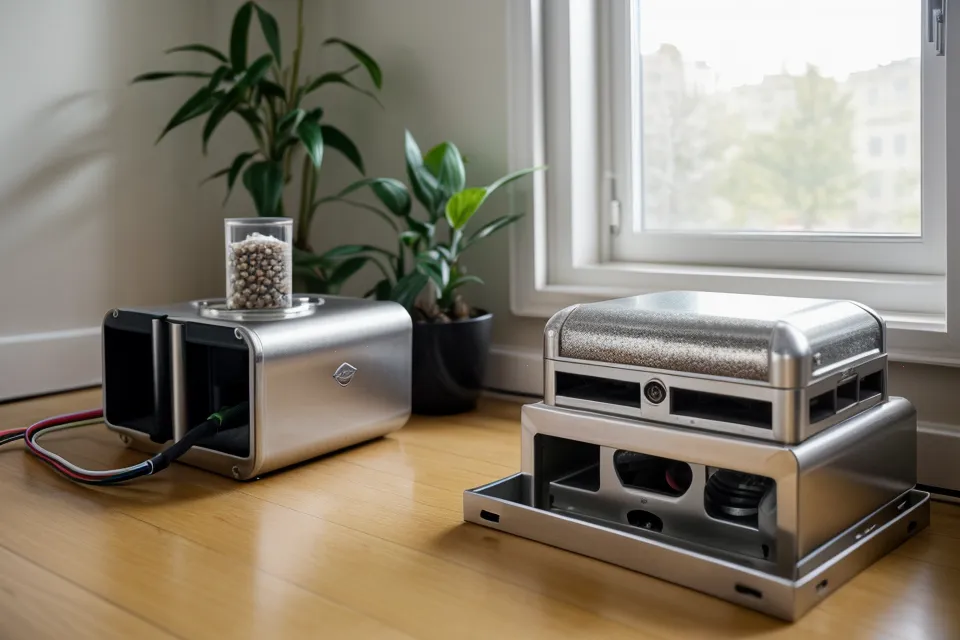
Every feeder that comes through gets staged the same way before it earns a permanent spot: cold setup on the laminate-topped island in the kitchen, powered off the single strip zip-tied to the baseboard behind the couch, the same strip every camera, hub, and backup charger fights over. The floor under all of it is original linoleum that came with the building, and the only real daylight in the place comes through the sliding door on the south side of the living room. None of it's glamorous. It's also the only setup where I actually watch a jam happen instead of hearing about it secondhand from a hungry cat scratching at the lid.
My neighbor Clint will run almost anything through its paces if I hand it to him — he's got a rescue greyhound and none of this gear on his own, which makes him a decent stand-in for someone starting from zero. I gave him a backup feeder to set up on his own, no help, just to see whether the redundancy schedule made sense to somebody who'd never touched the app before.
Does Your Backup Actually Work?
Look, a backup that shares a power source or a router with your primary feeder isn't really a backup. That's the mistake I see most often when people send me photos of their setups. Suki, a reader who messages me pretty regularly about her two cats' schedule, sent one last week showing her gravity feeder wedged right next to the smart unit, both plugged into the same outlet strip. If the thing that takes down your primary can take down your backup at the same time, you've built one failure with two names, not redundancy.
What This Redundancy Setup Doesn't Cover
Redundancy solves the offline problem. It doesn't solve every problem. Portioning accuracy is its own project once more than one bowl is involved, and keeping a determined cat from treating the hopper like a vending machine is a separate skill entirely. Splitting two cats onto different diets without one raiding the other's bowl is its own setup, wet food adds a spoilage clock dry kibble never has to deal with, and a fountain running on hard water will quietly wreck a filter faster than the manual admits. Camera check-ins solve a different question too — confirming a meal actually dropped isn't the same as making sure it drops in the first place. And if you buy kibble in bulk, humidity inside the hopper will go stale on its own timeline, no WiFi required. The behavioral side of full automation — what it does to a cat's day beyond just when the bowl fills — is its own topic, covered in the late-night designer's guide to reliable feeding rather than here.
Redundancy Beats a "Reliable" Feeder
Marketing copy loves the word reliable. It's a lot less useful than the question of what happens when the thing fails anyway, because every feeder fails eventually — batteries die, routers reboot at the wrong moment, kibble jams the wheel. The setups that actually hold up under a long absence aren't the ones with the fewest failures. They're the ones where a single failure doesn't take the whole system down with it.