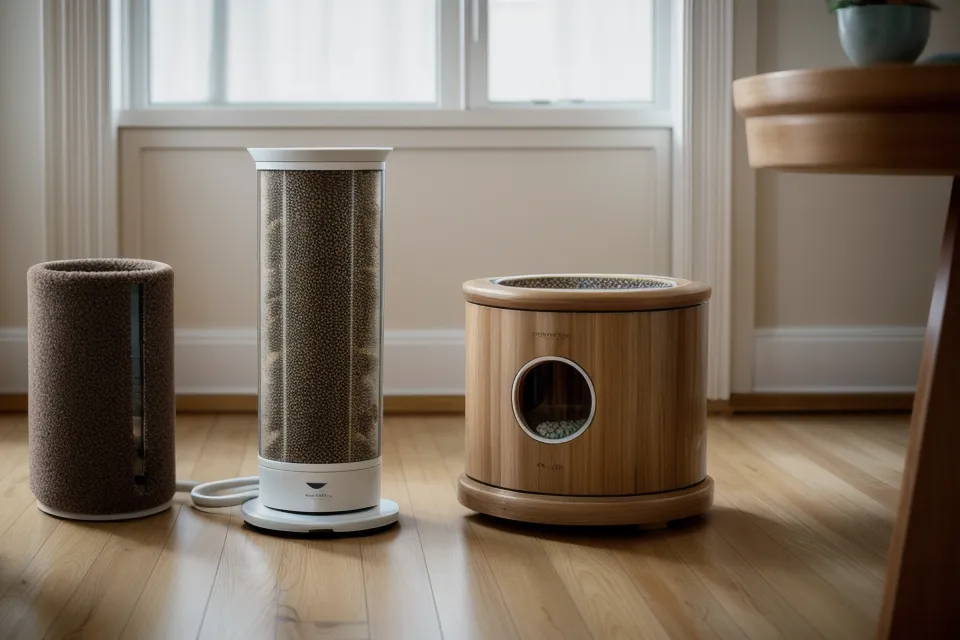
Kibble skids across the kitchen mat instead of landing in the bowl, and Beans is already circling the base of the automatic feeder like staring at it will fix the problem. The drum's jammed mid-turn. Half a scheduled meal, dumped on linoleum instead of dispensed on time, while the app on my phone still reads Connected in smug green letters. That gap, between what the Wi-Fi icon promises and what actually lands in the bowl, is the whole reason I stopped trusting a checkmark as proof of anything.
Quick disclosure before any brand names show up: a handful of the pet gear companies linked in this piece pay a small commission if you click through and buy, at no extra cost to you. It doesn't change what gets recommended in this corner of smart home pet tech — gear gets bought on my own card, run through the same jam tests and outage checks, and it only earns a mention here if it survives them.
Here's the assumption that trips up almost everyone shopping for this stuff: a Wi-Fi icon that says connected means the feeder is going to do its job on schedule. It doesn't work that way. Connection status only confirms the radio found a network — it says nothing about whether the schedule stored inside the unit is the one actually firing, or whether a five-second drop during the exact minute of a scheduled meal just got quietly skipped. I've sat at a table in Denver Central Market, laptop open, refreshing the feeding log from across town in RiNo, just to see whether a scheduled drop actually happened while I was nowhere near the kitchen.
The 'Connected' Icon Is Lying to You
My neighbor two floors up, Caulfield Rios, borrowed a spare feeder from me for a long weekend when his restaurant shifts pushed feeding time to five in the morning, earlier than he could manage himself. He plugged it in, opened the app, and got stuck for twenty minutes assuming the unit was defective. It wasn't. His phone had defaulted to the apartment's 5GHz network during setup, and the feeder's radio only speaks 2.4GHz, so from the feeder's side, there was nothing broadcasting to join at all.
Your Feeder Isn't Behind the Times for Using 2.4GHz
Not even close. It's true 5GHz is the newer, faster standard your phone defaults to, but smart home hardware — feeders, plugs, most cameras — leans on 2.4GHz on purpose, because the lower frequency pushes through walls, cabinets, and a fridge between the router and the kitchen far better than 5GHz manages. A feeder locked to that band isn't cutting corners. It's using the range built for exactly this job.
That's exactly the gap that separated the two units I've lived with the longest. The Petkit held its schedule steady through router distance and wall count that would choke a weaker radio, reconnecting fast enough after a wobble that I never noticed a missed cycle. The Petlibro is genuinely solid for the price, but its own documented weak point is a connection that drops once you're more than about two walls from the router, and its push notifications have shown up thirty to sixty minutes late in my logs more than once.
Walls, Microwaves, and the Reconnect Gap
Look, Wi-Fi interference in a kitchen isn't abstract. A microwave running while a scheduled meal is due sits right on the 2.4GHz spectrum and can knock a weaker feeder's connection out entirely for the length of the cook cycle. That's the part most product pages skip over: it's not just about how far you are from the router, it's about what else in the kitchen is fighting for the same slice of spectrum at the same time.
Deena Portsmith, a former coworker of mine who now freelances the way I do, sat through one of my app teardowns and flagged something I'd glossed over: neither app actually tells you whether a reconnect after a drop caught up on a missed dispense or just silently skipped it. The interface treats both outcomes the same, a green dot and a timestamp, which is exactly the kind of shortcut that makes connected feel like more of a guarantee than it is.
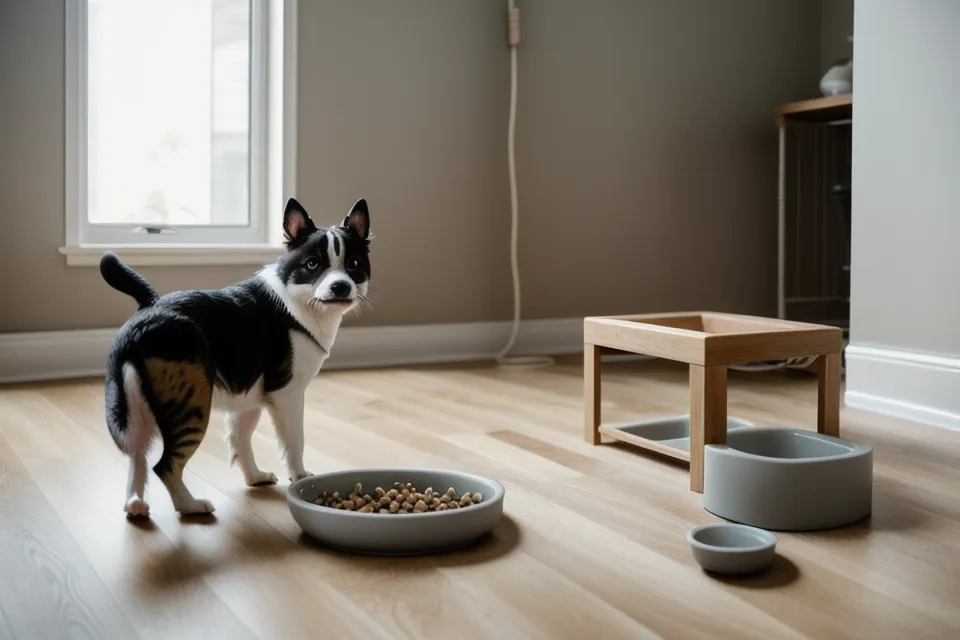
I tried patching around it for a while by leaving extra dry food out as a buffer, just in case a cycle got skipped. Beans finished the entire backup portion before nine in the morning, which solved nothing and just meant she was hungry again by mid-afternoon. A stuck drum, for what it's worth, is a mechanical problem and not a Wi-Fi one — untangling why a rotor jams mid-turn is its own separate rabbit hole.
And checking the camera after a scheduled drop, just to see actual kibble sitting in the bowl, became a habit long before I trusted any push notification on its own. That verification step matters regardless of which feeder you own, and it's worth building before you need it.
Bowls, Freshness, and the Stuff Wi-Fi Doesn't Touch
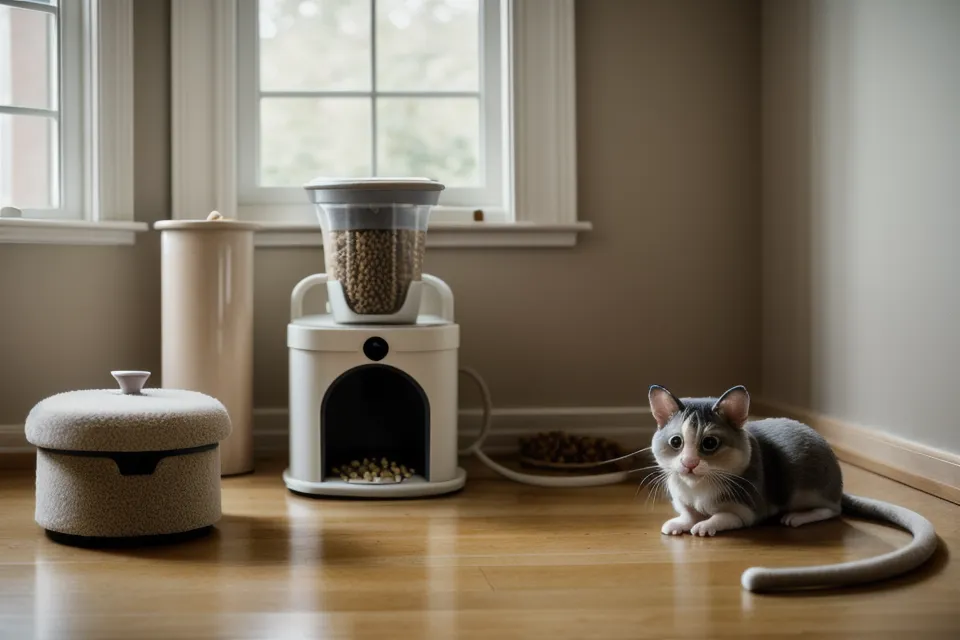
None of this touches the bowl itself, which turned out to matter more than expected. Plastic scratches into microscopic grooves that trap bacteria, and it's the reason a lot of owners see chin breakouts they end up blaming on food instead. Both feeders I've tested long-term switched me over to 304 stainless bowls, and popping the lid back into place after a wash is its own small ritual — the silicone gasket resists at first, cold under my thumb, before it seats with a soft give that tells me the seal actually caught.
Freshness inside a full hopper is a related but separate issue. Humidity building up in a sealed container of kibble is its own slow problem, and I've written a full breakdown of when to swap the desiccant packs before that turns into a science project.
Check These Before You Blame the Router
A stable connection also won't save you from problems that have nothing to do with signal strength. A cat determined enough to pry a lid open by force needs a feeder built to resist that, not a better router. Two cats eating different amounts on different schedules turns portion separation into its own layer of complexity, usually solved with a microchip collar rather than anything Wi-Fi related. Wet food left out too long spoils regardless of how many bars your connection shows, and Denver's hard water will clog a fountain filter faster than any firmware update fixes.
Battery backup only buys borrowed time during an actual outage, and how much time varies enough between models that it deserves its own look. The bigger question underneath that is whether a feeder still fires from a schedule it cached on its own chip after a router goes down mid-cycle, or just stalls the second the connection drops — that's the real one, and I dug into it in the redundancy rule for offline feeders.
So don't just glance at the signal bars before you buy. Check whether the manufacturer states outright that the schedule lives on the feeder itself, confirm it's explicitly a 2.4GHz device rather than an auto-band gamble, and look for any mention of what happens after a router reboot. That's the real reliability question, not whichever icon your app happens to be showing right now.
The Router Matters Less Than the Chip Inside an Automatic Feeder
After all that, my kitchen counter verdict hasn't changed much. Petkit earns its higher price by handling exactly the interference and distance problems that trip up cheaper units, and the app friction during setup is a one-time cost, not an ongoing one. Petlibro stays a genuinely good pick if your router sits close to the kitchen and you can live with the occasional late notification — it's not a lesser feeder, it's one built for a simpler apartment layout than mine.
Beyond feeding itself, a couple of other things earned a permanent spot in this apartment. An orthopedic bed from FunnyFuzzy gives both cats somewhere to settle while they wait out a long stretch of client calls, and I still check the Maven Pet tracker occasionally to see whether their activity shifts on the days I'm gone longest — a rough proxy for how they're actually handling all this automation, camera and feeder and everything else.
None of this replaces good judgment about your own place — a garden-level unit with three walls between router and kitchen is a different problem than an open-plan apartment, and the fix might be a mesh extender before it's a new feeder at all. But getting the actual portion sizes right for a long stretch away from home is its own separate skill, and I broke that down in setting up a schedule for long workdays, worth a read whether or not your Wi-Fi ever hiccups.